Dashboard and Product Analysis
Go to us.app.granular.ag
1. Introduction
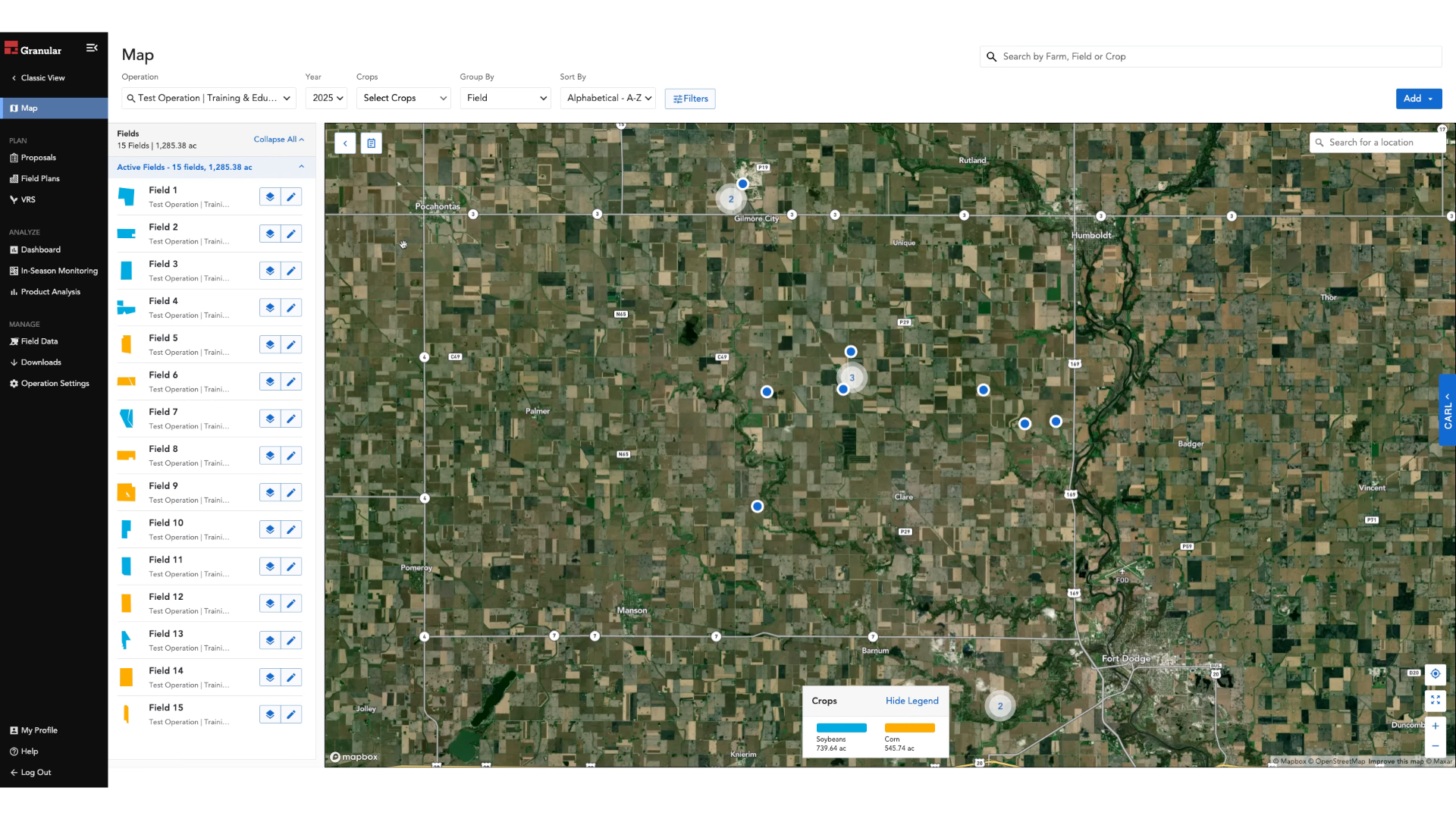
2. Click "Dashboard"

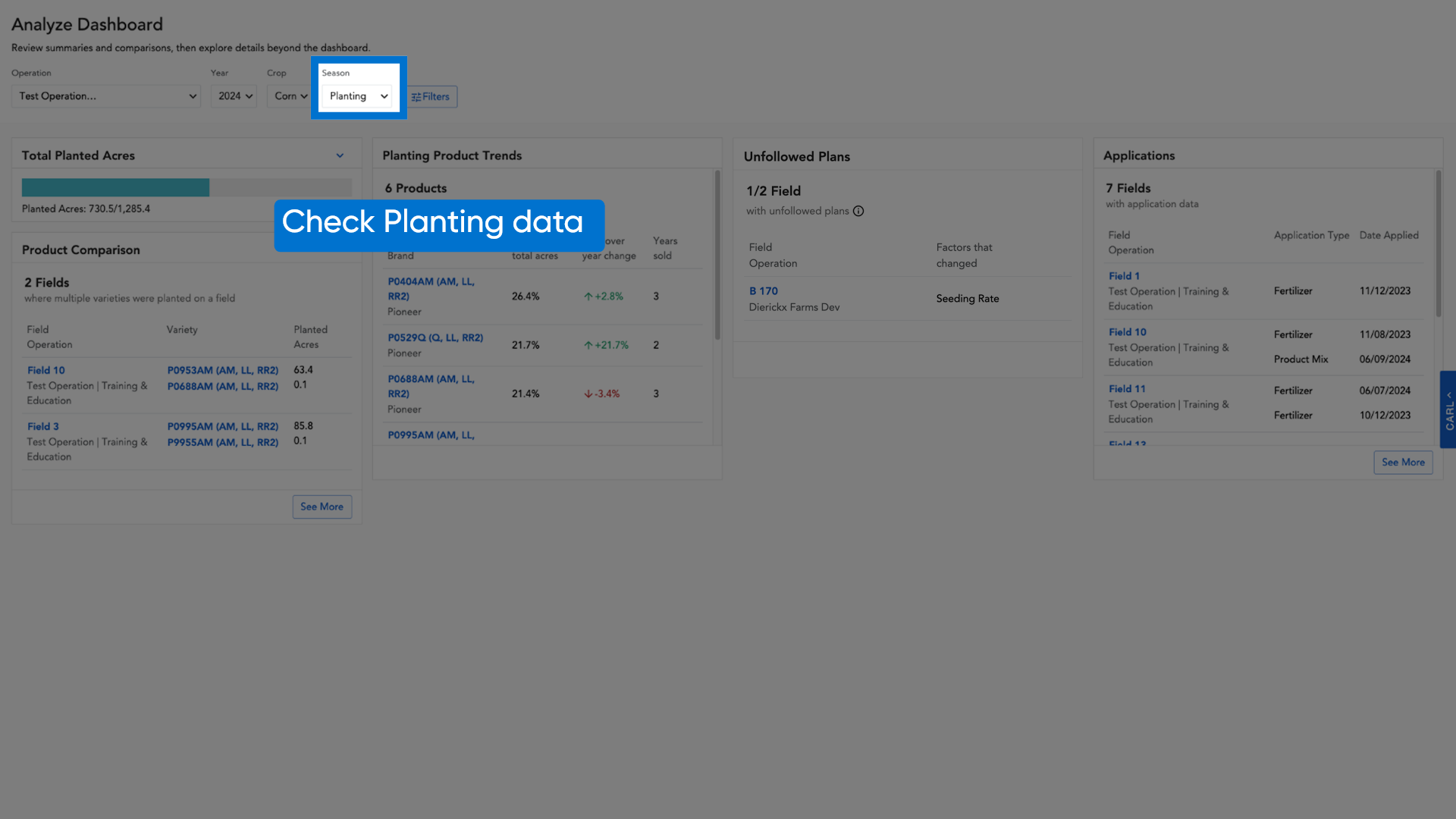
3. Check Planting data
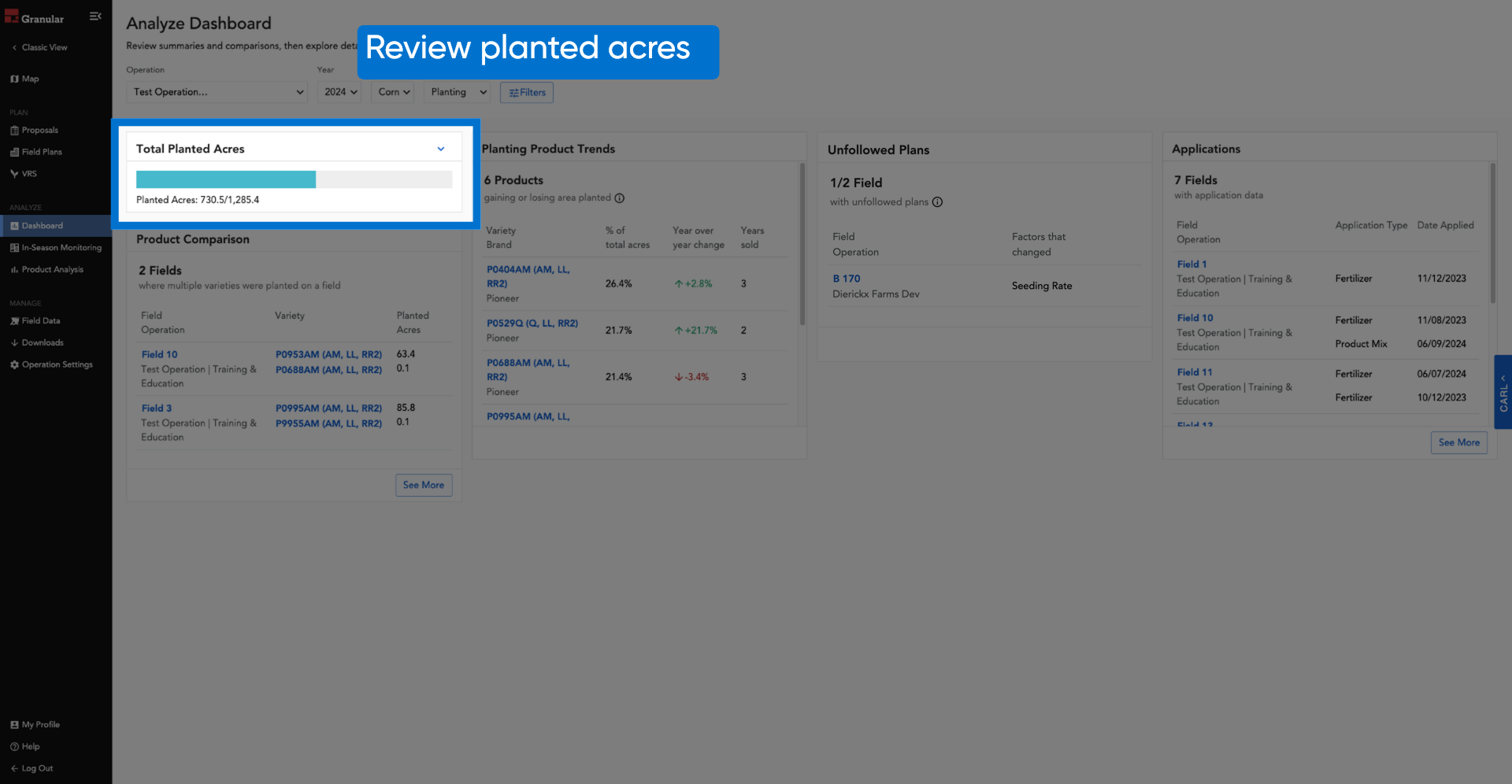
4. Review planted acres
5. Review planted acres by operation
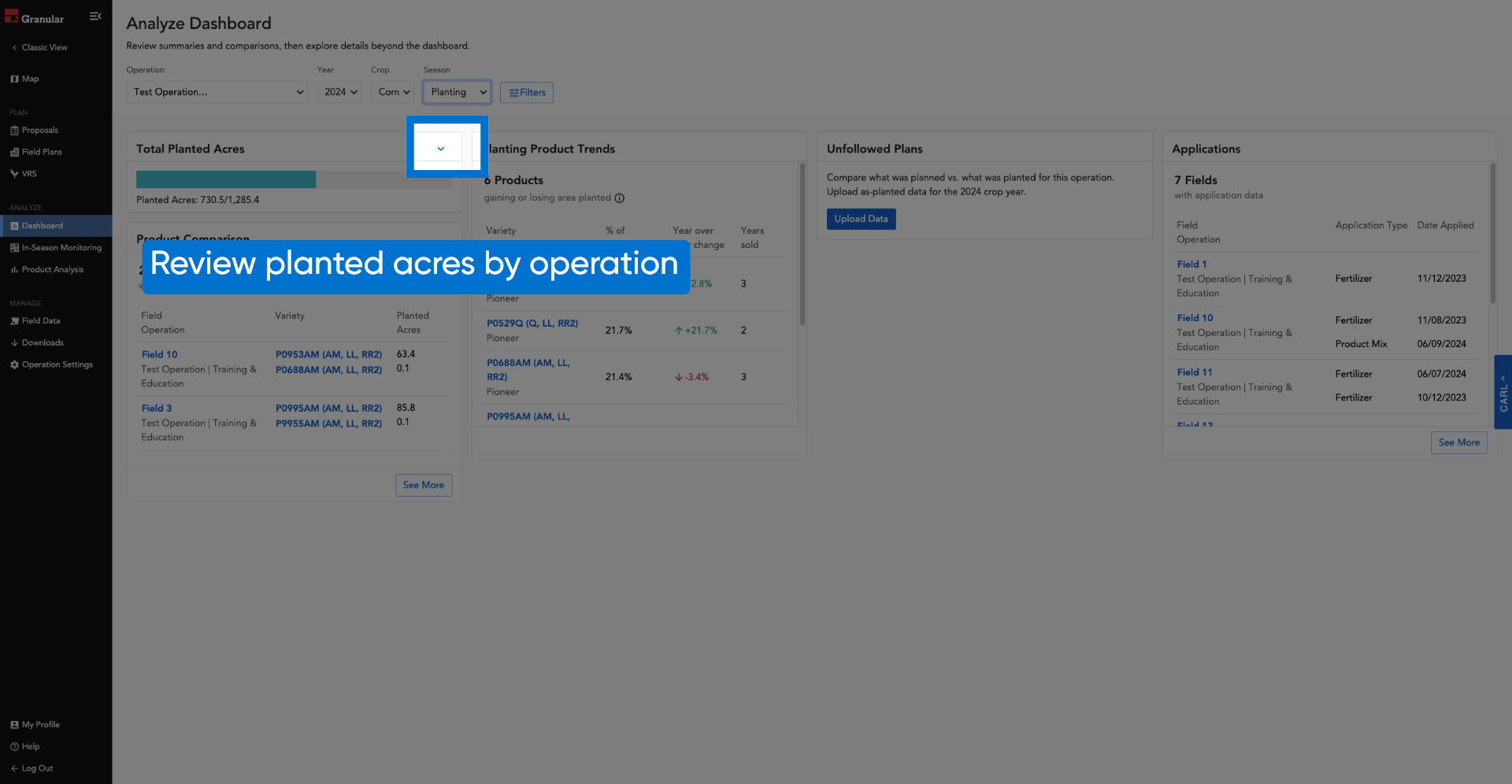
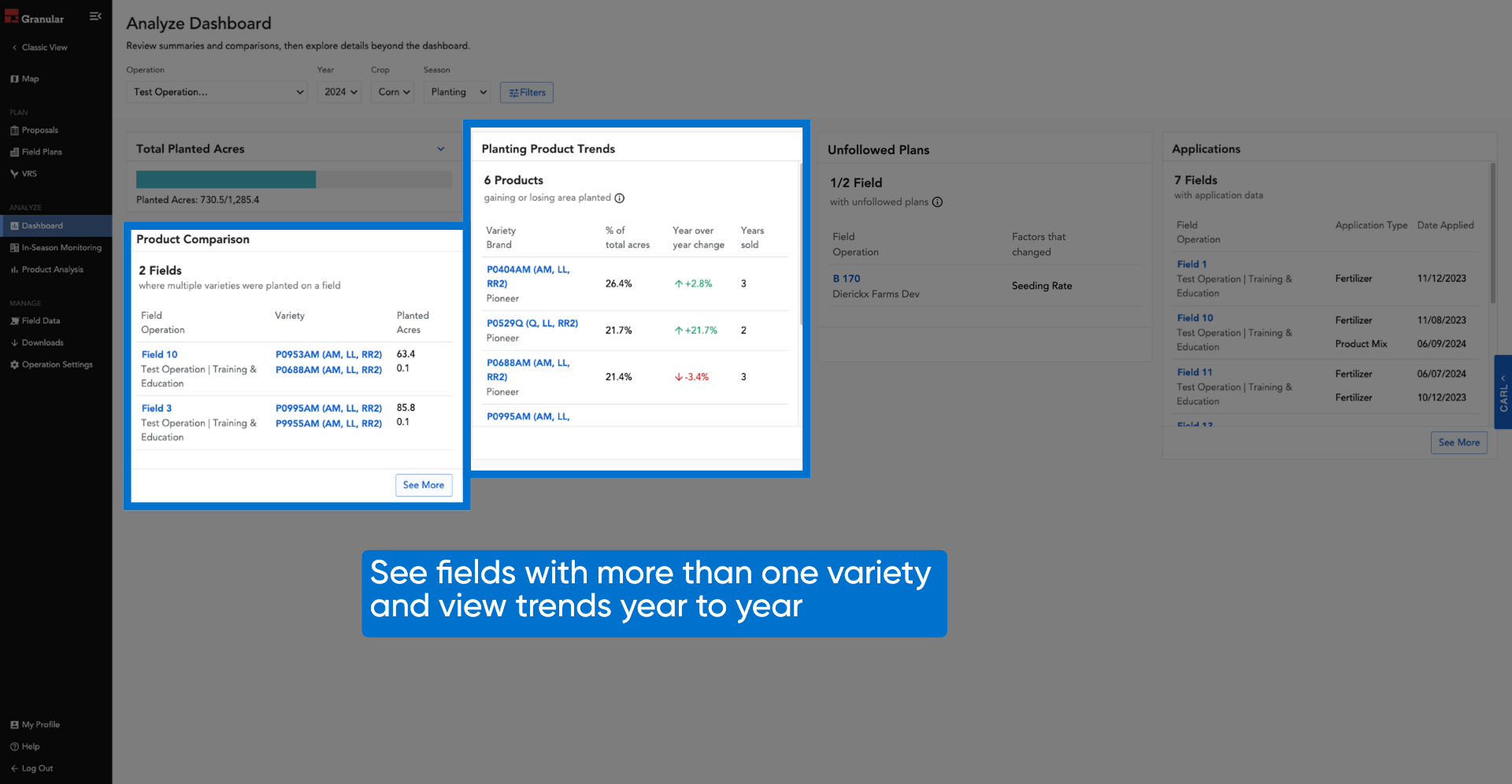
6. View fields, varieties, and trends
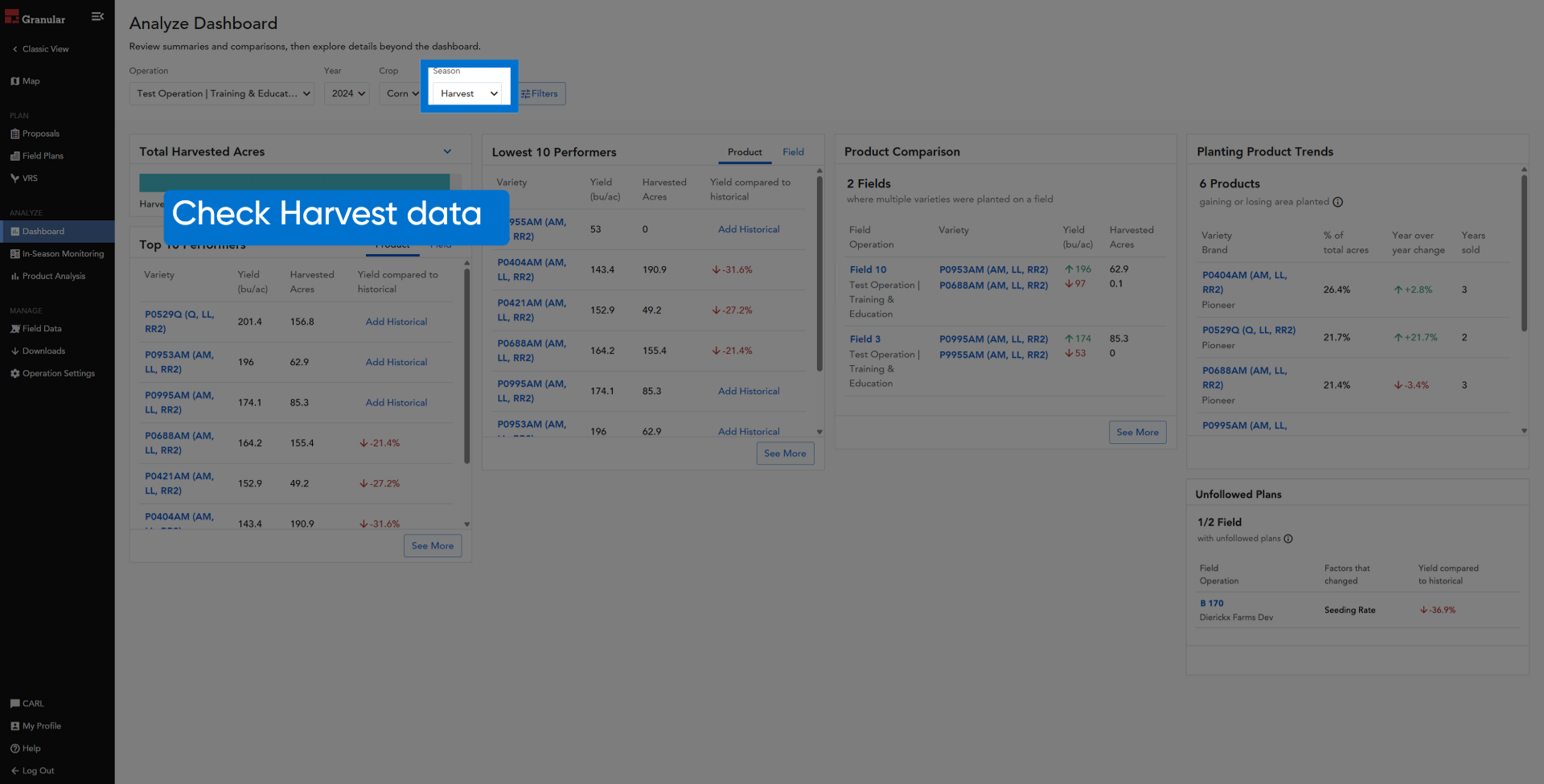
7. Check Harvest data
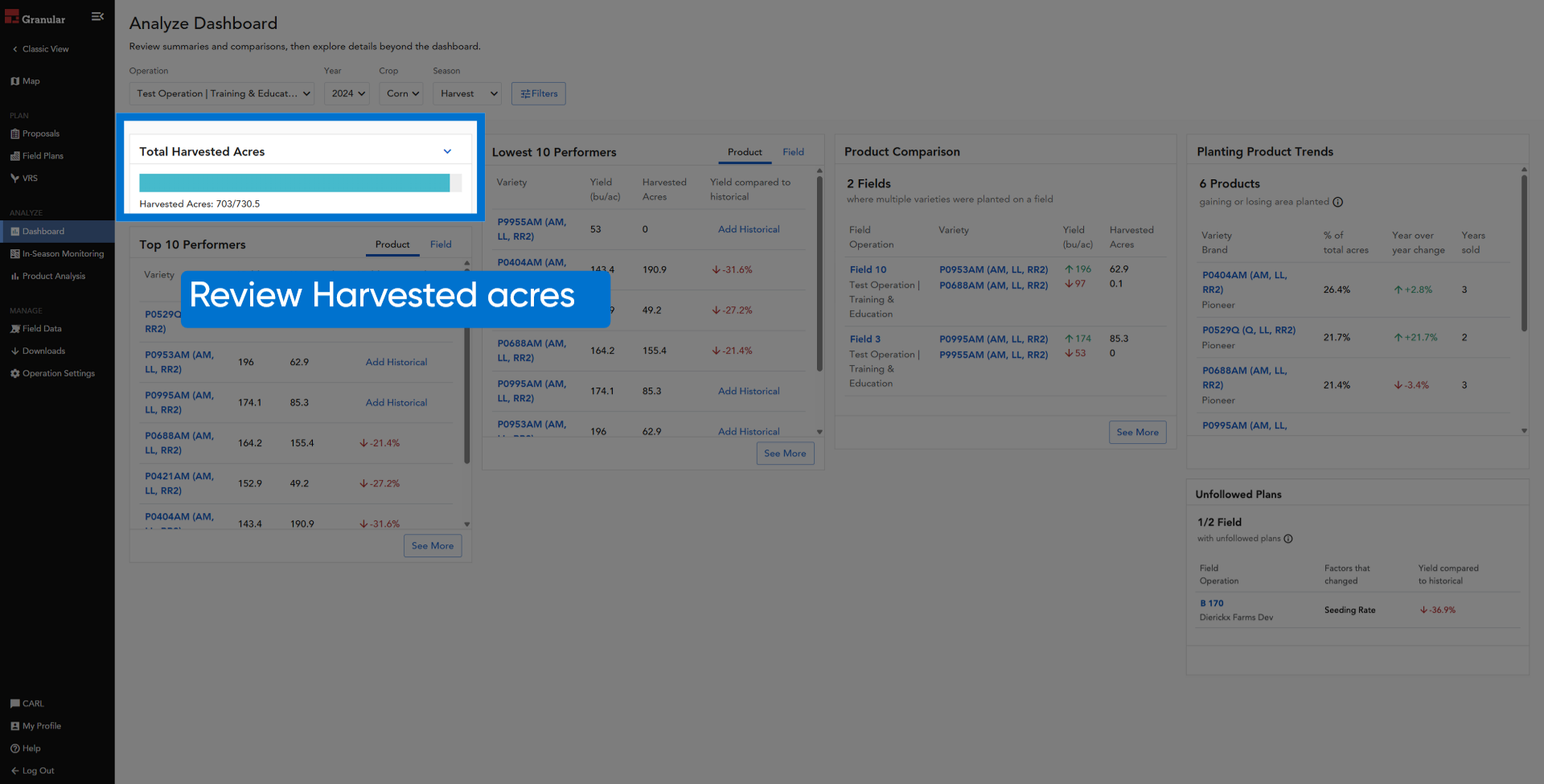
8. Review harvested acres
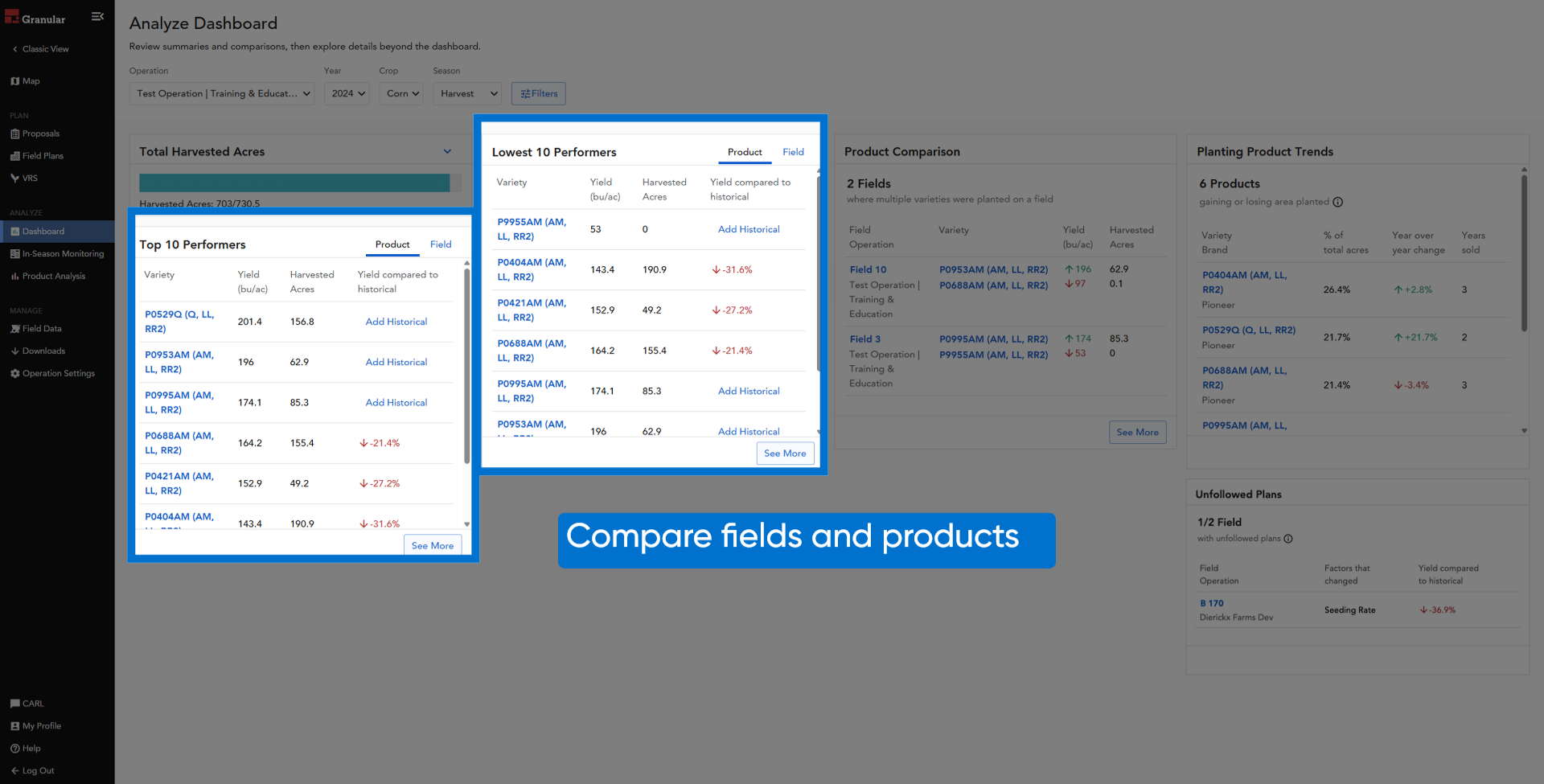
9. Compare fields and products
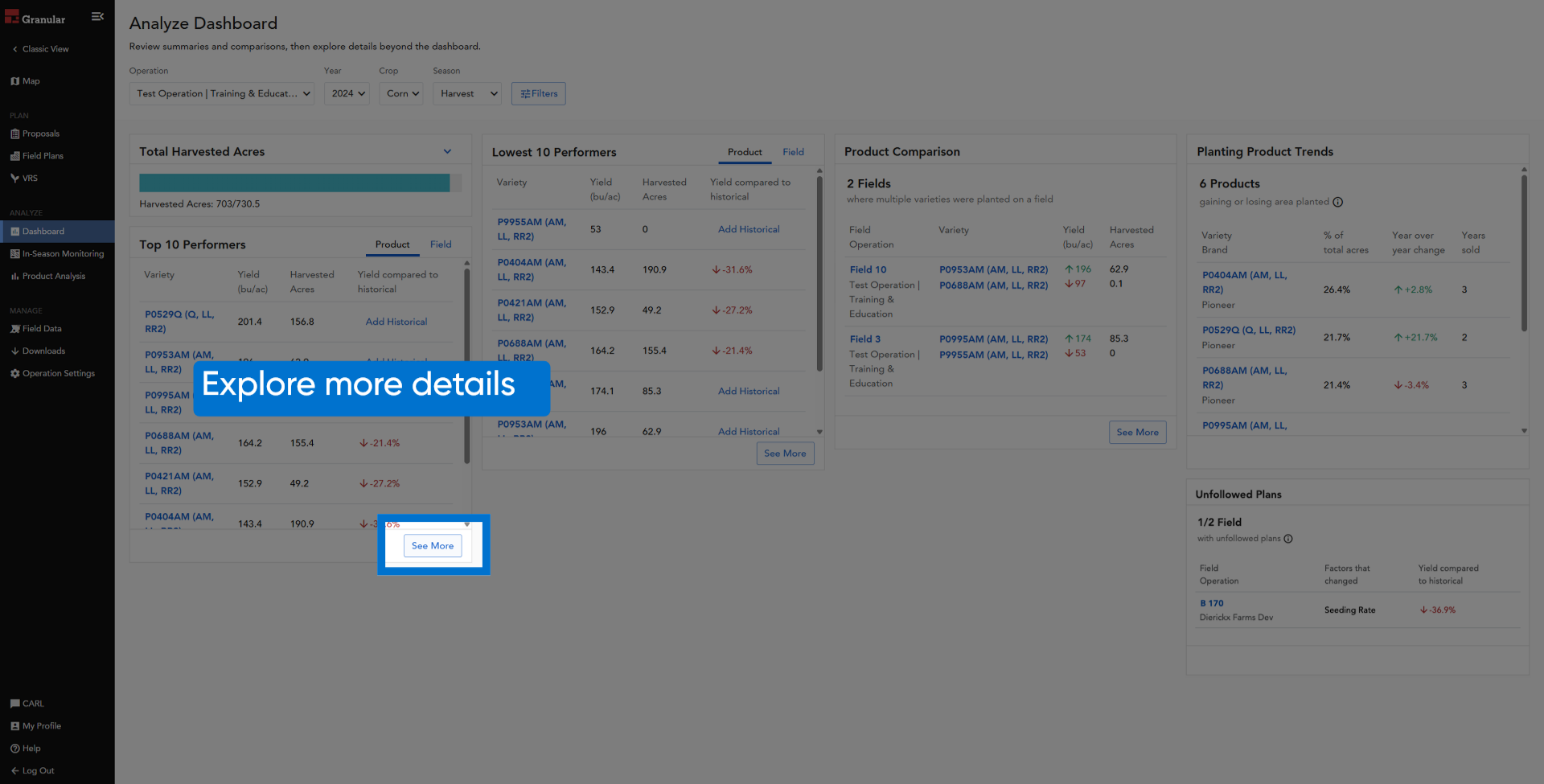
10. Explore more details
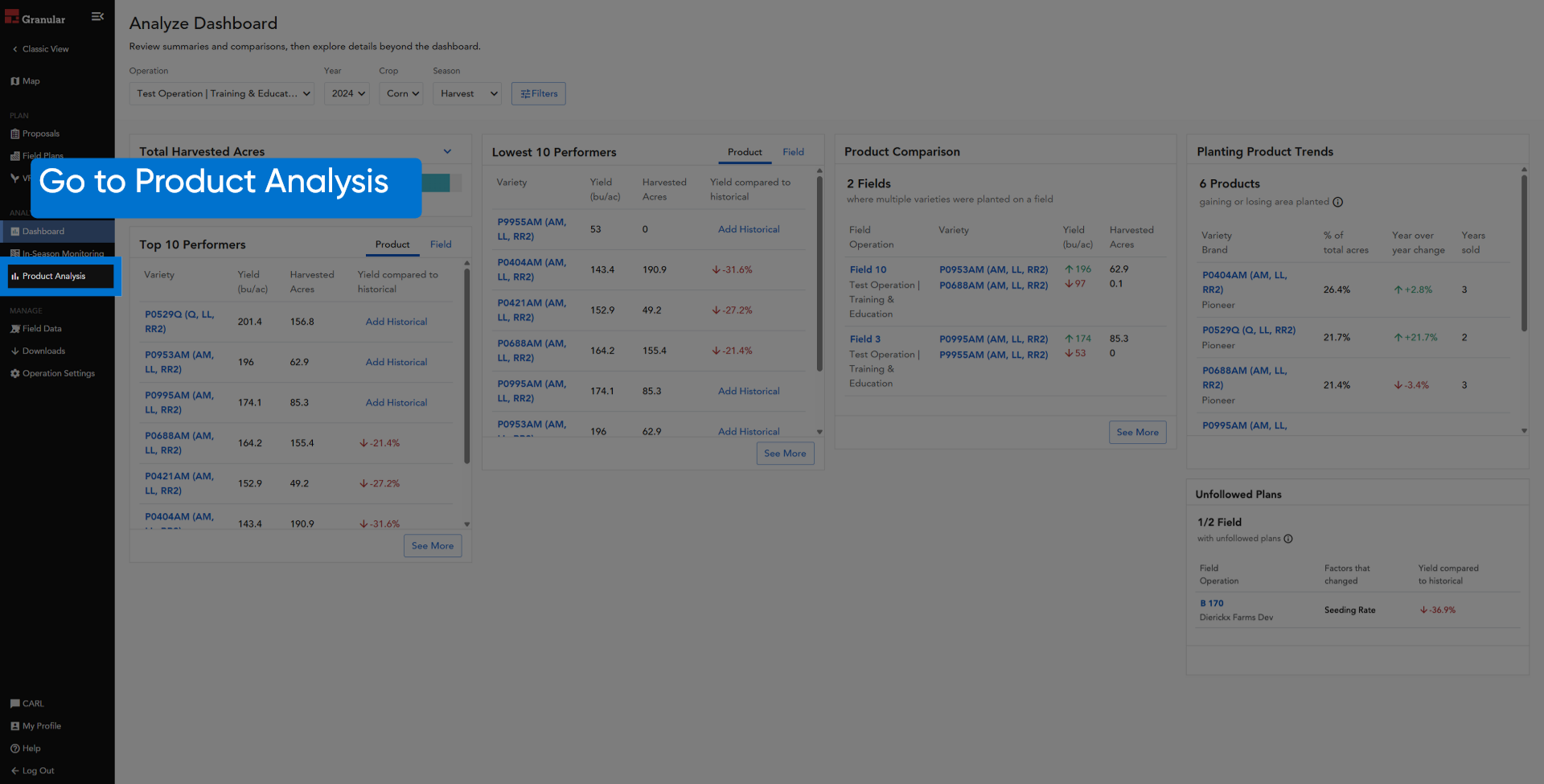
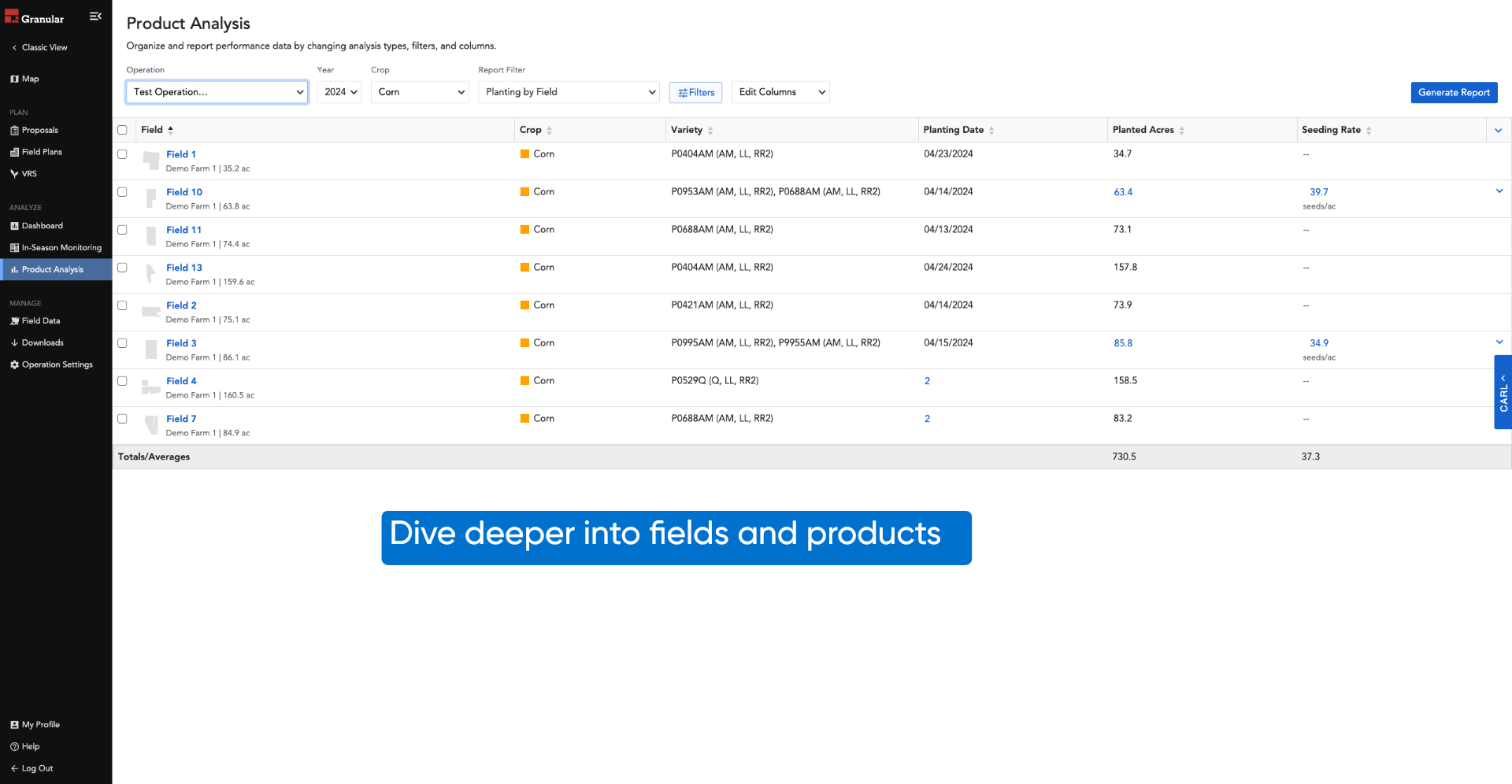
11. Click "Product Analysis"
12. Dive deeper into fields and products
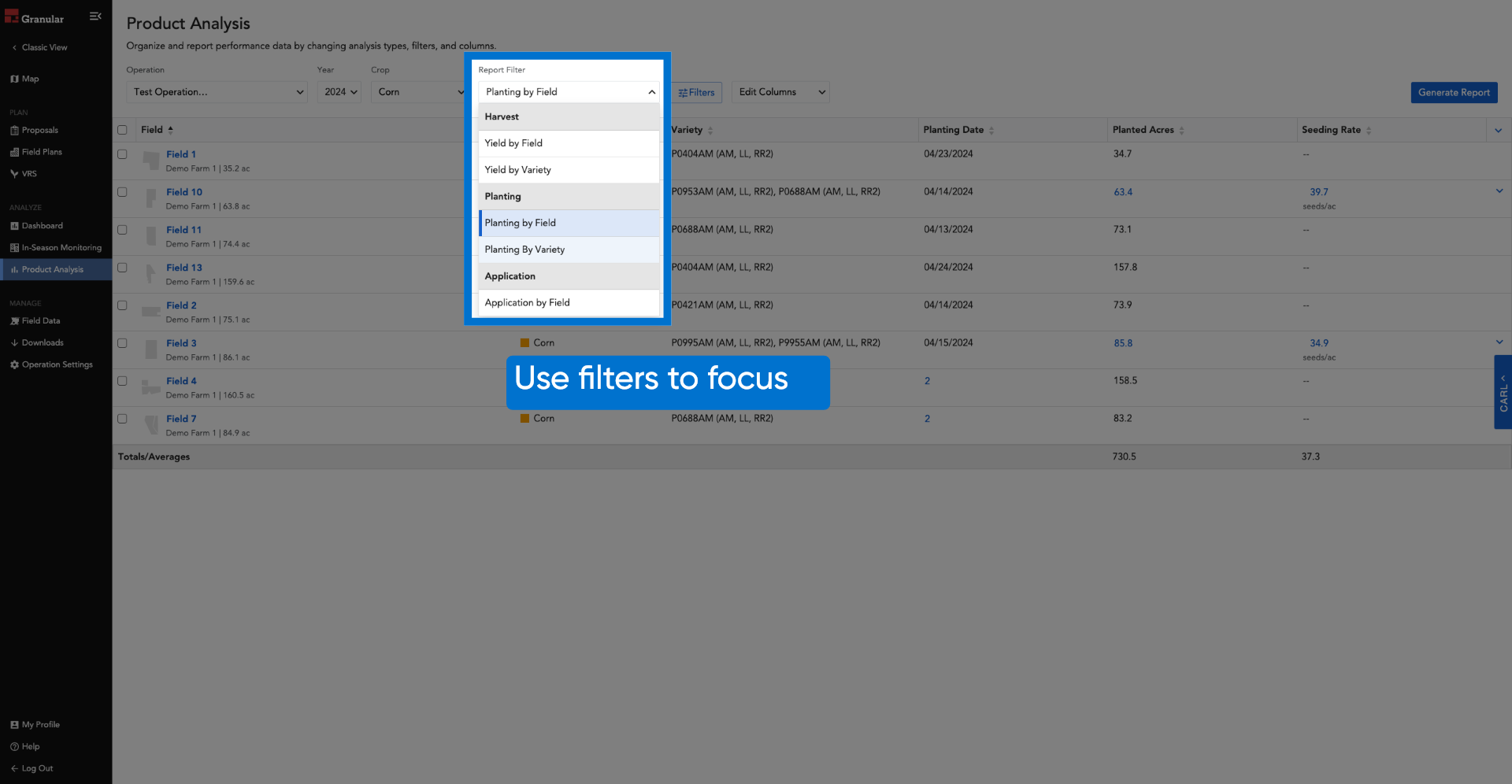
13. Use filters to focus
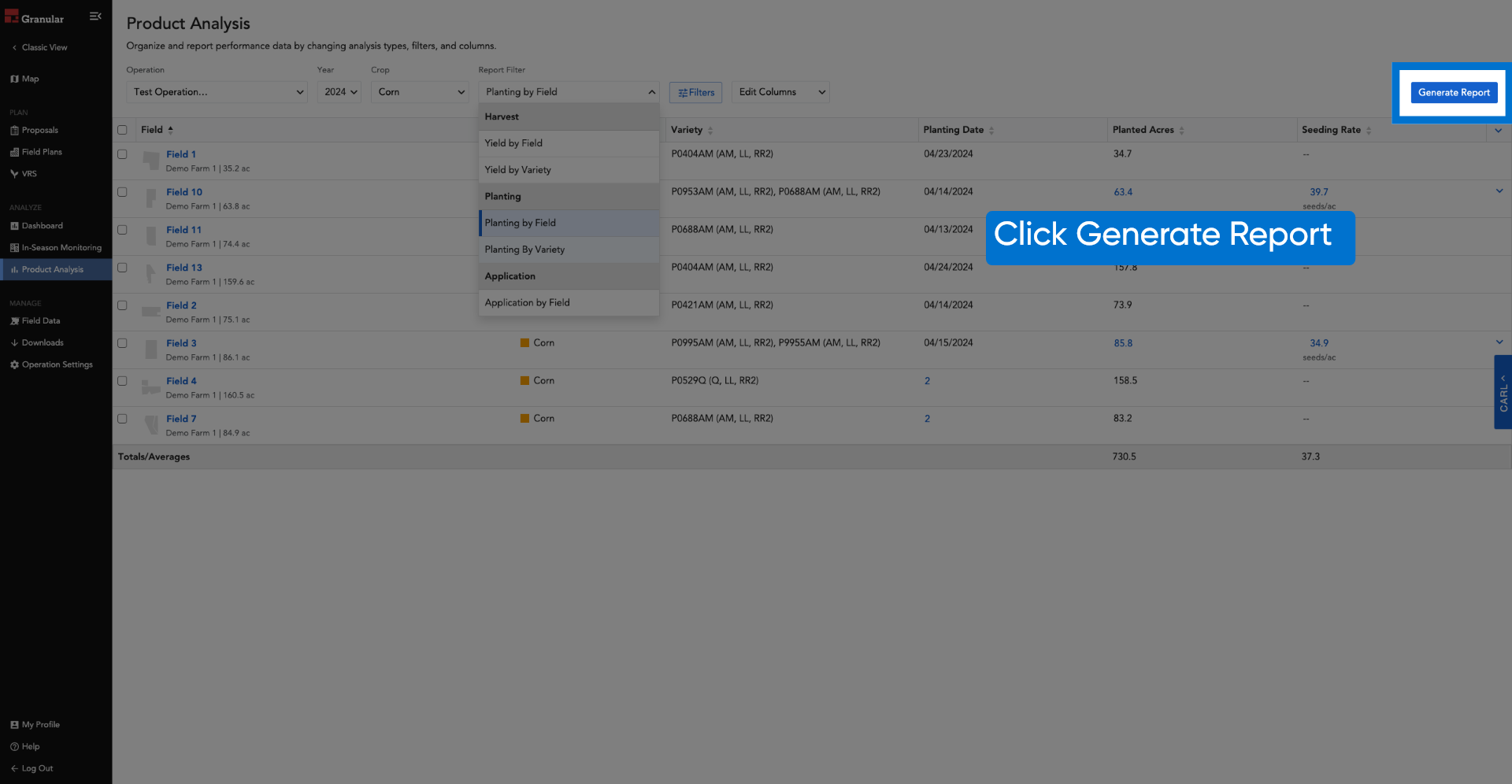
14. Click Generate Report
15. Generate reports
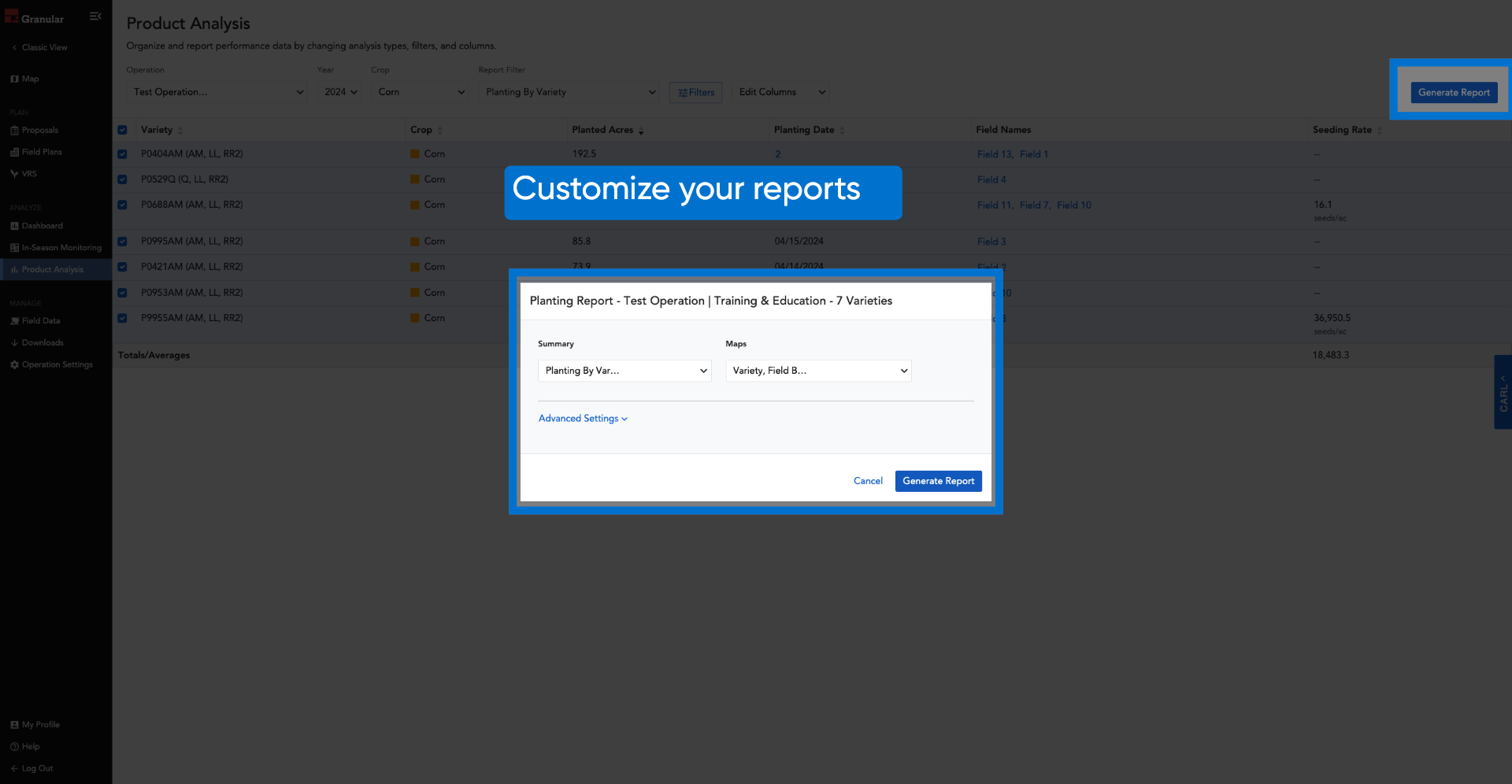
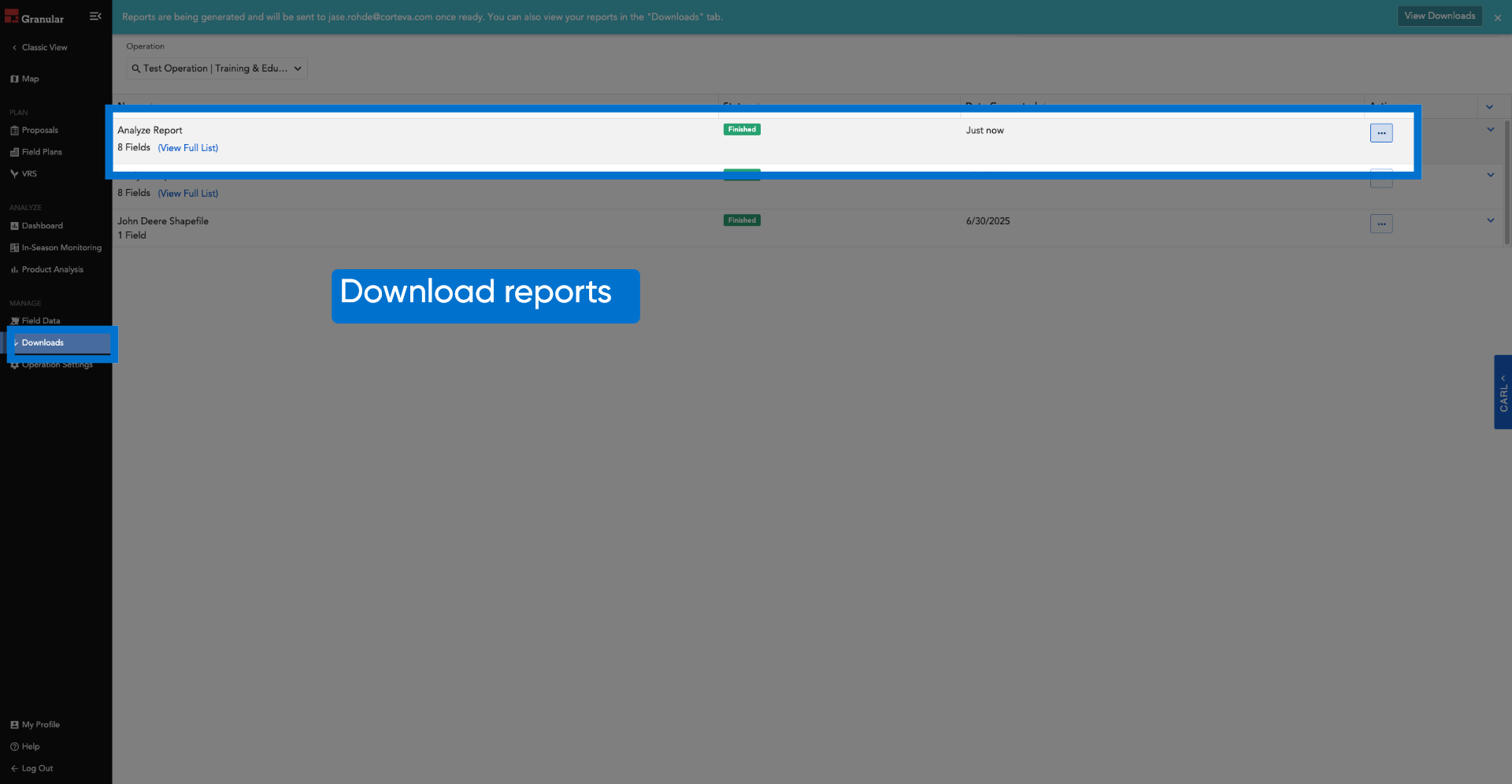
16. Download reports